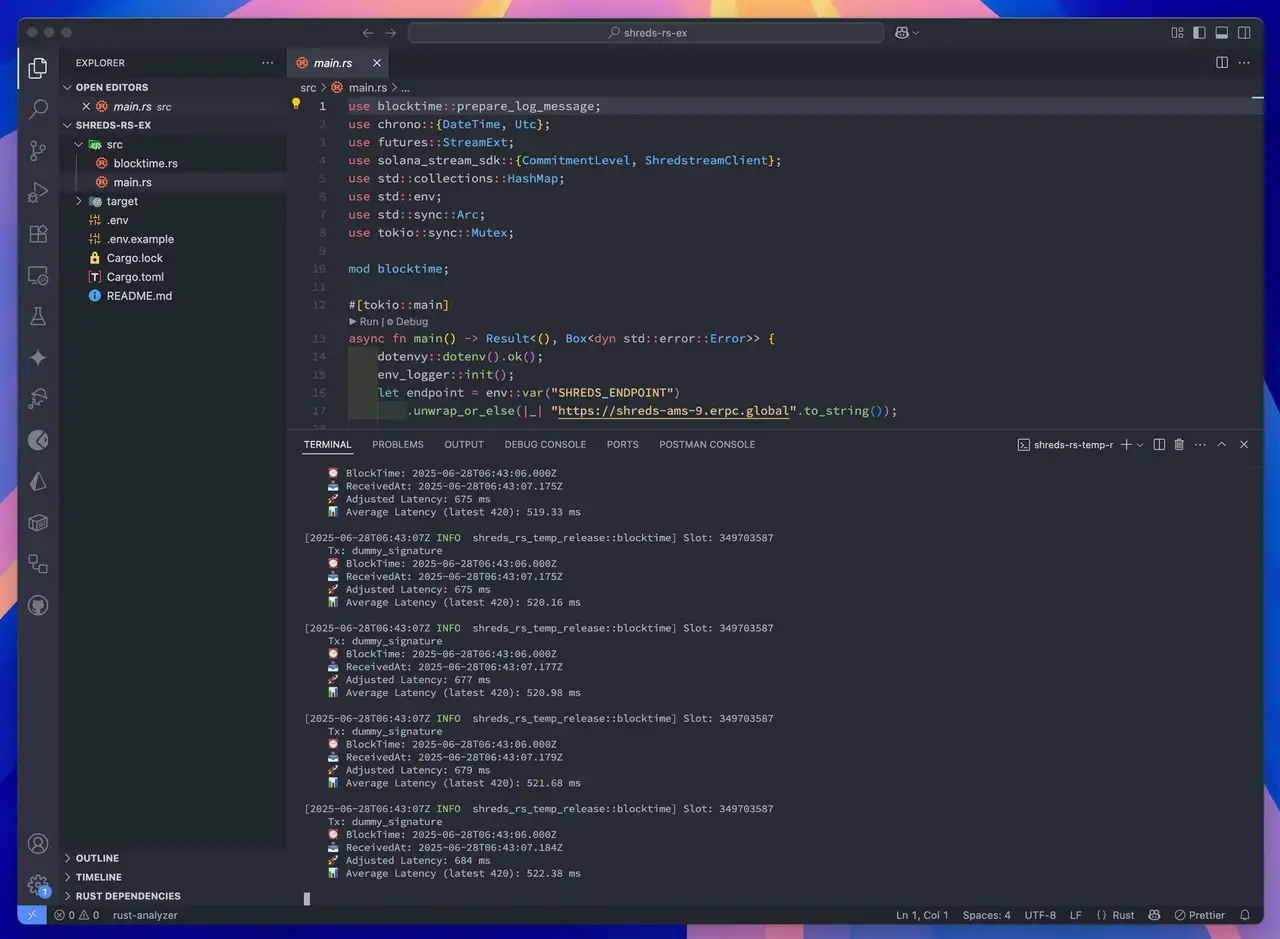

ShredStream - Quickstart
Install SLV
bash
curl -fsSL https://storage.slv.dev/slv/install | shcurl -fsSL https://storage.slv.dev/slv/install | sh$ slv b init
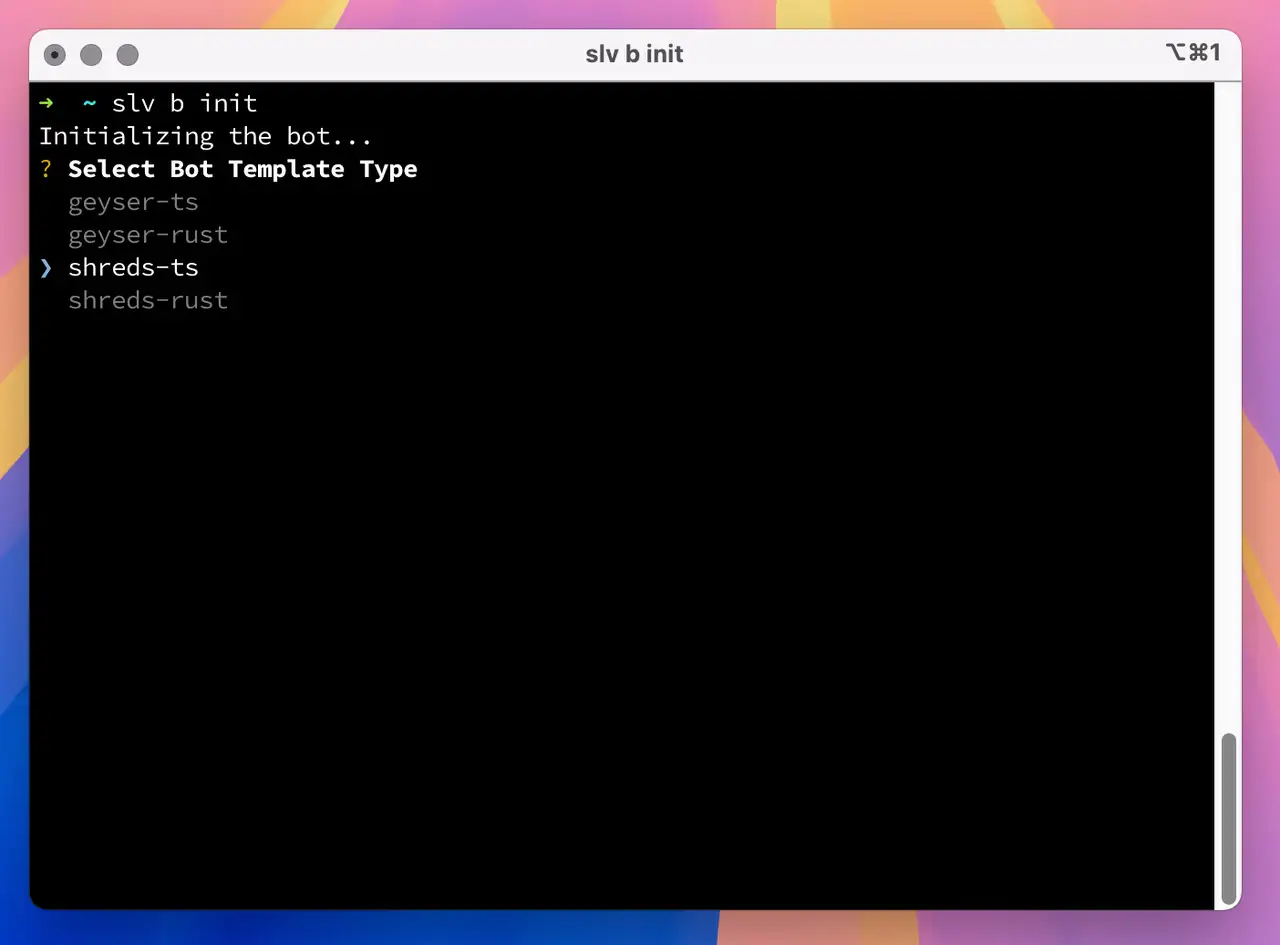
With a single command,
slv b init, you can instantly scaffold a development environment for Solana bots using high-performance stream-based data.bash
slv b initslv b init- Use
shreds-tsif you prefer a TypeScript-based Shreds bot - Use
shreds-rustfor a Rust-based bot leveraging Shreds
Bronnen voor ICMP-latentieprobes toestaan
Voor de regioselectie van Shreds verstuurt ERPC ICMP-latentieprobes naar uw geregistreerde IP-adres vanaf de hieronder vermelde proxyhosts. Sta inkomende ICMP-echoverzoeken toe vanaf elk vermeld bron-IP-adres. Als deze worden geblokkeerd door een firewall (ufw, cloudfirewall, beveiligingsgroep enz.), kan de meting
9999ms worden en kan een niet-optimale regio worden geselecteerd. Meerdere IP-adressen binnen één regio zijn afzonderlijke probehosts; ze zijn allemaal vereist.| Regio | ICMP-bron-IP-adressen |
|---|---|
| 🇳🇱 Amsterdam | 64.130.43.108, 82.21.43.35 |
| 🇺🇸 New York | 151.243.244.162 |
| 🇩🇪 Frankfurt | 64.130.41.236, 151.241.178.73 |
| 🇯🇵 Tokyo | 143.20.238.88 |
| 🇸🇬 Singapore | 67.209.55.19, 151.245.186.3 |
| 🇬🇧 London | 64.130.63.211, 151.241.65.10 |
Far Point geselecteerd
De Far Point van Shared Shreds is een terugvaloptie met beperkte capaciteit. Elk endpoint ondersteunt voor alle klanten samen maximaal 32 gelijktijdige proxystreams—niet 32 plaatsen per klant. Streaming werkt het best wanneer de abonnee dicht bij het geselecteerde Shreds-endpoint draait; streams over lange afstand houden gedeelde verbindingen, flow-controlvensters en uitgaande capaciteit langer bezet. Om de gedeelde omgeving responsief te helpen houden, staat u alle vermelde regionale bron-IP-adressen van ICMP-probes toe en voert u de regioselectie opnieuw uit. Overweeg voor doorlopend gebruik een ERPC VPS dicht bij het geselecteerde endpoint. Als een andere geografische locatie nodig is, kan Dedicated Shreds in een voorkeursregio worden geregeld, afhankelijk van beschikbaarheid en implementatieplanning.
Gebruik een ERPC VPS dicht bij dit endpoint · Bespreek Dedicated Shreds in een voorkeursregio
https://erpc.global/en/doc/shredstream/quickstart/
Shreds Client Example – TypeScript
- Rename the
.env.samplefile to.env. - Update the values in the
.envfile with your actual endpoint:
ini
SHREDS_ENDPOINT=http://shreds-ams6-1.erpc.global
SOLANA_RPC_ENDPOINT="https://edge.erpc.global?api-key=YOUR_API_KEY"SHREDS_ENDPOINT=http://shreds-ams6-1.erpc.global
SOLANA_RPC_ENDPOINT="https://edge.erpc.global?api-key=YOUR_API_KEY"⚠️ Important Note: This endpoint is provided as an example and cannot be used directly. Obtain and set your actual endpoint accordingly.
- Install dependencies and run the script:
bash
pnpm i
pnpm devpnpm i
pnpm dev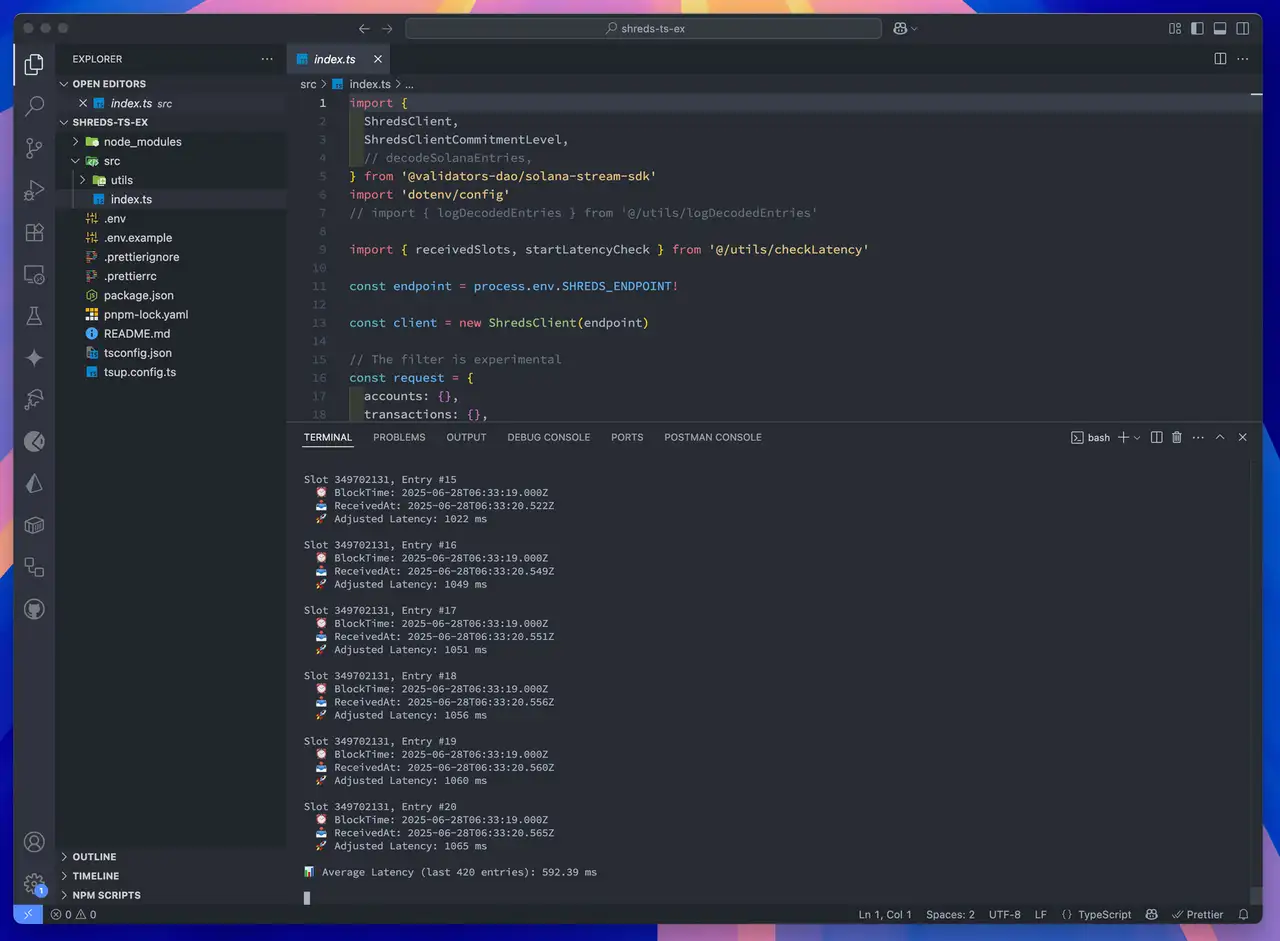
Shreds Client Example – Rust
- Rename
.env.sampleto.env - Edit
.envwith your actual Shreds endpoint:
ini
SHREDS_ENDPOINT=http://shreds-ams6-1.erpc.global
SOLANA_RPC_ENDPOINT="https://edge.erpc.global?api-key=YOUR_API_KEY"SHREDS_ENDPOINT=http://shreds-ams6-1.erpc.global
SOLANA_RPC_ENDPOINT="https://edge.erpc.global?api-key=YOUR_API_KEY"Please note:
This endpoint is a sample and cannot be used as is. Please obtain and configure the appropriate endpoint for your environment.
- Build and run the client:
bash
RUST_LOG=info cargo runRUST_LOG=info cargo run