

SLV ติดตั้ง - Prometheus
SLV ติดตั้ง - Prometheus
ทําไม Prometheus?
Prometheus เป็นมาตรฐานการลดระดับเวลาในการติดตาม เก็บหน่วยวัด พร้อมภาษาที่ใช้สอบถามที่มีประสิทธิภาพ (PromQL) และระบบนิเวศของผู้ส่งออกที่อุดมไปด้วย ติดตั้งผ่าน
slv install ให้ความต่อเนื่องแก่กระดูกสันหลังที่ป้อน Grafana แผงวงจรและแจ้งเตือนกฎในทุกๆ สภาพแวดล้อม- Prometheus: https://prometheus.io/
- การเจาะแบบดึง จะช่วยคาดเดาการจราจรที่ผิดปกติ ระหว่างที่ ISQL พื้นผิว ทําหน้าที่อย่างมีประสิทธิภาพ
- การรวมเข้ากับภาษาพื้นเมืองด้วย Grafana และแจ้งเตือนผู้ส่งสัญญาณเพื่อให้คุณสามารถเห็นภาพและแจ้งเตือนได้ โดยไม่ต้องตั้งค่าเพิ่มเติม
ประมวลผลตัวติดตั้ง
เป้าหมายเครื่องที่ควรจะทํางาน Prometheus และเลือกจากส่วนที่เลือก
bash
$ slv install -i 1.1.1.1,
🚀 Installing software components...
? Select Software Component to Install (Redis)
  Redis
  TiDB (MySQL Cluster)
  Grafana
❯ Prometheus
  Node Exporter
  Kafka Cluster
$ slv install -i 1.1.1.1,
🚀 Installing software components...
? Select Software Component to Install (Redis)
Redis
TiDB (MySQL Cluster)
Grafana
❯ Prometheus
Node Exporter
Kafka Clusterหมายเหตุ: แทนที่1.1.1.1กับ IP ที่อยู่เซิร์ฟเวอร์ของคุณเอง
ทบทวน ราย ละเอียด
ยืนยันรายการสินค้า, เส้นทางเล่นและข้อจํากัดทางเลือก ก่อนการเตะหนังสือเล่นออก
bash
🚀 Installing software components...
? Select Software Component to Install (Redis) › Prometheus
✅ You selected: Prometheus

📋 Installation Details:
Software: Prometheus
Inventory: 1.1.1.1,
Playbook: /Users/fumi/.slv/template/0.9.800/ansible/cmn/software/install-prometheus.yml
? Do you want to proceed with the installation? (y/N) ›
🚀 Installing software components...
? Select Software Component to Install (Redis) › Prometheus
✅ You selected: Prometheus
📋 Installation Details:
Software: Prometheus
Inventory: 1.1.1.1,
Playbook: /Users/fumi/.slv/template/0.9.800/ansible/cmn/software/install-prometheus.yml
? Do you want to proceed with the installation? (y/N) ›สังเกต การ ประหาร ชีวิต ที่ ไม่ อาจ หลีก เลี่ยง ได้
slv เสียบอํานาจเพื่อติดตั้ง Prometheus เป็นบริการของระบบ และหย่อนแฟ้มลงในการปรับแต่งพื้นฐานbash
🚀 Running ansible: ansible-playbook -i 1.1.1.1, -u solv /Users/fumi/.slv/template/0.9.800/ansible/cmn/software/install-prometheus.yml

PLAY [Install and configure Prometheus] **************************************************************

TASK [Gathering Facts] *******************************************************************************
🚀 Running ansible: ansible-playbook -i 1.1.1.1, -u solv /Users/fumi/.slv/template/0.9.800/ansible/cmn/software/install-prometheus.yml
PLAY [Install and configure Prometheus] **************************************************************
TASK [Gathering Facts] *******************************************************************************ตรวจ สอบ จุด จบ
เมื่อเสร็จสิ้น CLI พิมพ์ Prometheus เว็บ UI URL เพื่อยืนยันเป้าหมายได้ ว่ากําลังเจาะถูกจุด
bash
✅ Installation completed successfully!

🌐 Access Information:

Prometheus URL: http://1.1.1.1:3090
✅ Installation completed successfully!
🌐 Access Information:
Prometheus URL: http://1.1.1.1:3090แดชบอร์ด
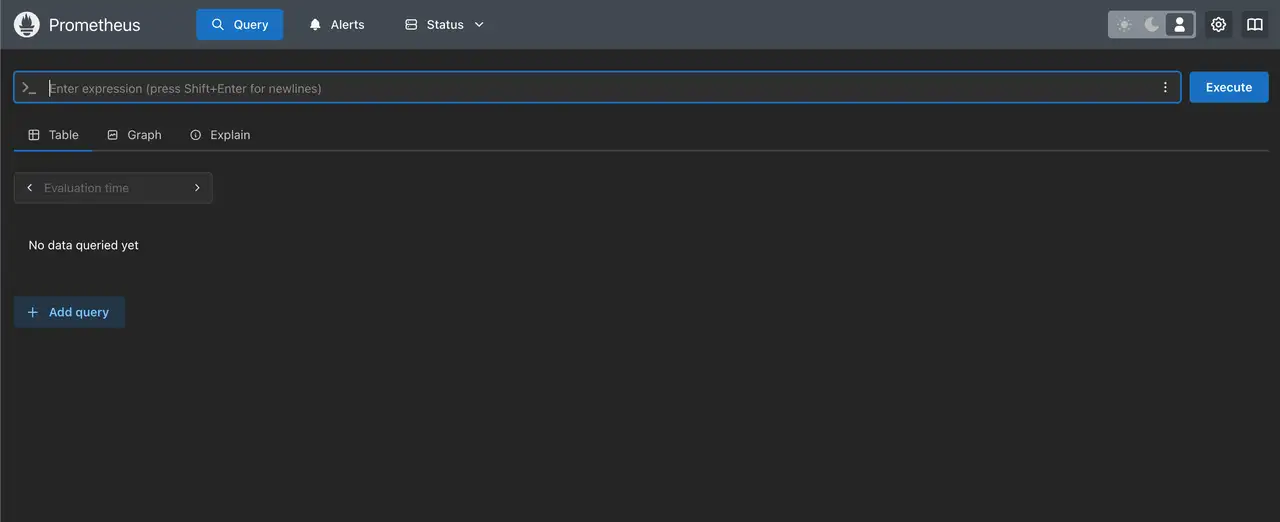
เปิด
http://1.1.1.1:3090 เพื่อตรวจสอบ Prometheus เป้าหมายหน้าหนึ่ง ไต่ด้วย Grafana เพื่อวาดกราฟเมตริกโดยใช้ ISQL และตั้งกฏแจ้งเตือนผ่าน แจ้งเตือน