

Solana Geyser gRPC - 快速入門
安裝 SLV
bash
curl -fsSL https://storage.slv.dev/slv/install | shcurl -fsSL https://storage.slv.dev/slv/install | sh$ slv b init
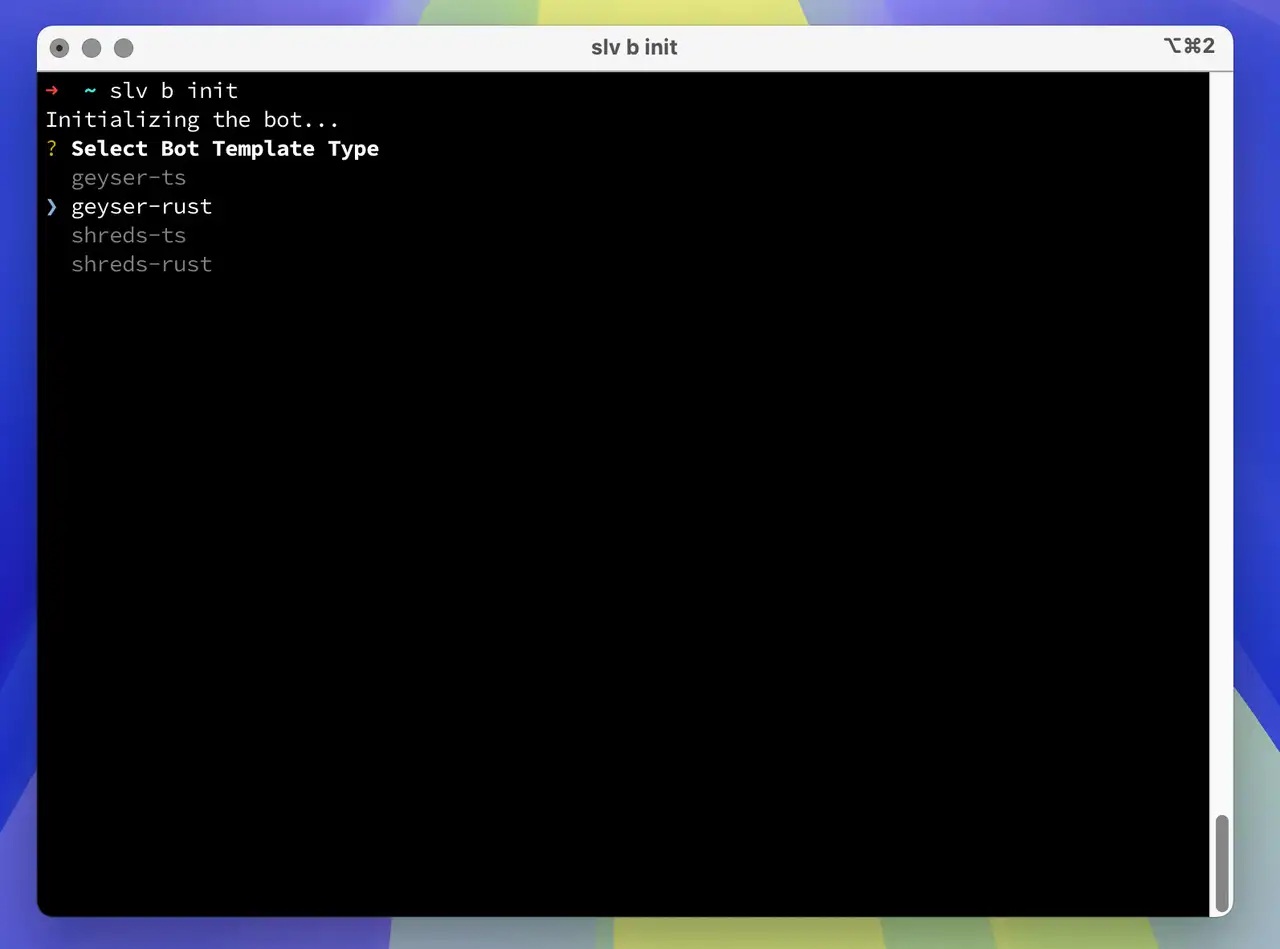
只需一條命令
slv b init,即可立即搭建基於高效能流資料的 Solana 機器人開發環境。bash
slv b initslv b init- 如果您偏好 TypeScript Geyser 機器人,請選擇
geyser-ts - 如果您偏好 Rust Geyser 機器人,請選擇
geyser-rust
允許 ICMP 延遲探測來源
選擇 gRPC 區域時,ERPC 會從下列代理主機向您已註冊的 IP 傳送 ICMP 延遲探測。請允許來自所有列出來源 IP 的傳入 ICMP Echo Request。如果防火牆(ufw、雲端防火牆、安全性群組等)阻擋這些要求,測量結果可能變為
9999ms,並可能選到非最佳區域。同一區域中的多個 IP 分別屬於不同的探測主機,必須全部允許。| 區域 | ICMP 來源 IP |
|---|---|
| 🇳🇱 Amsterdam | 82.21.43.34, 151.244.92.36 |
| 🇺🇸 New York | 151.243.244.5 |
| 🇩🇪 Frankfurt | 151.241.178.20, 151.241.178.34, 151.241.178.21 |
| 🇬🇧 London | 151.241.65.4 |
| 🇯🇵 Tokyo | 143.20.238.66 |
| 🇸🇬 Singapore | 151.245.186.2 |
| 🛰️ Far Point | 143.20.238.73 |
Geyser 客戶端示例 - TypeScript
- 將
.env.sample重新命名為.env - 使用您的實際值編輯
.env:
ini
GEYSER_ENDPOINT=http://grpc-ams1.erpc.global
SOLANA_RPC_ENDPOINT="https://edge.erpc.global?api-key=YOUR_API_KEY"GEYSER_ENDPOINT=http://grpc-ams1.erpc.global
SOLANA_RPC_ENDPOINT="https://edge.erpc.global?api-key=YOUR_API_KEY"請注意:
此端點為示例,不能直接使用。請獲取並配置適合您環境的端點。
- 安裝依賴並啟動開發伺服器:
bash
pnpm i
pnpm devpnpm i
pnpm dev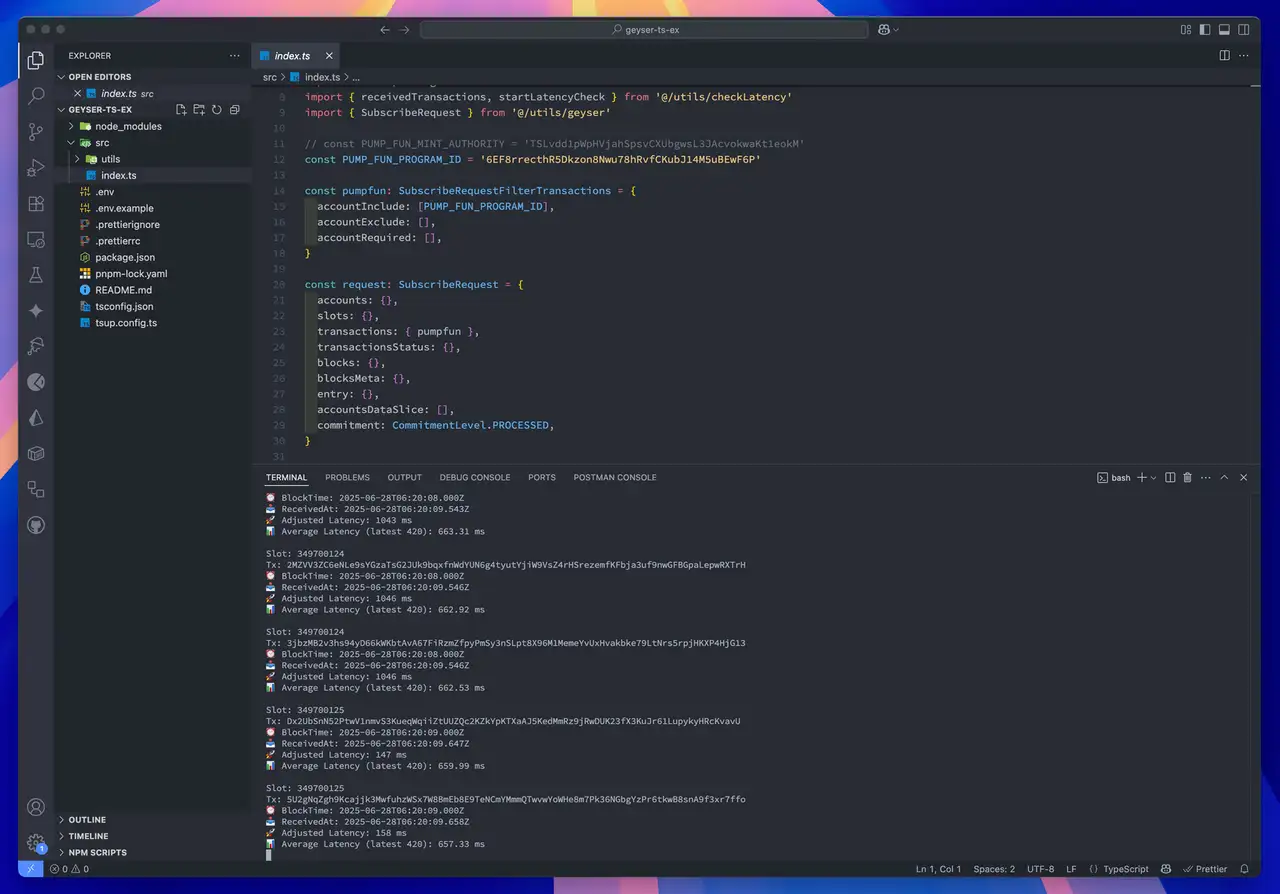
Geyser 客戶端示例 - Rust
- 將
.env.sample重新命名為.env - 使用您的實際值編輯
.env:
ini
GEYSER_ENDPOINT=http://grpc-ams1.erpc.global
SOLANA_RPC_ENDPOINT="https://edge.erpc.global?api-key=YOUR_API_KEY"GEYSER_ENDPOINT=http://grpc-ams1.erpc.global
SOLANA_RPC_ENDPOINT="https://edge.erpc.global?api-key=YOUR_API_KEY"請注意:
此端點為示例,不能直接使用。請獲取並配置適合您環境的端點。
- 構建並執行客戶端:
bash
RUST_LOG=info cargo runRUST_LOG=info cargo run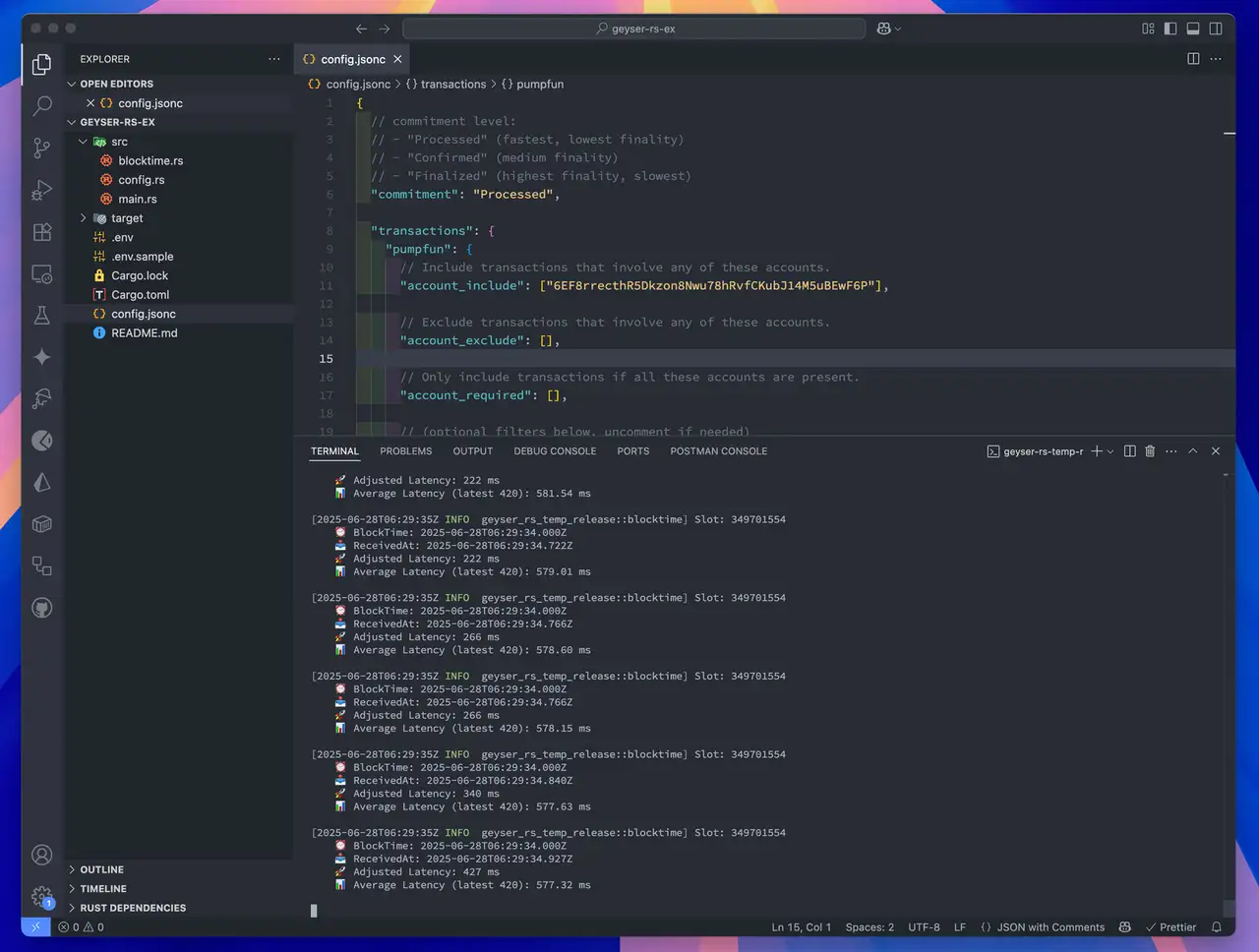
Solana Stream SDK
透過
slv b init 命令下載的啟動程式碼中使用的 Geyser 介面卡
由開源專案 Solana Stream SDK 提供。它同時支援 Rust 和 TypeScript,能夠高效實現 Solana 流通訊,
包括 Geyser 訂閱、交易處理和實時賬戶更新監控。
您獲得的啟動程式碼是該 SDK 實際應用的直接示例,
便於您擴充套件用於自己的機器人開發或自定義邏輯。
更多詳情請訪問 GitHub 倉庫:
https://github.com/ValidatorsDAO/solana-stream