ShredStream - Quickstart
Install SLV
bash
curl -fsSL https://storage.slv.dev/slv/install | shcurl -fsSL https://storage.slv.dev/slv/install | sh$ slv b init
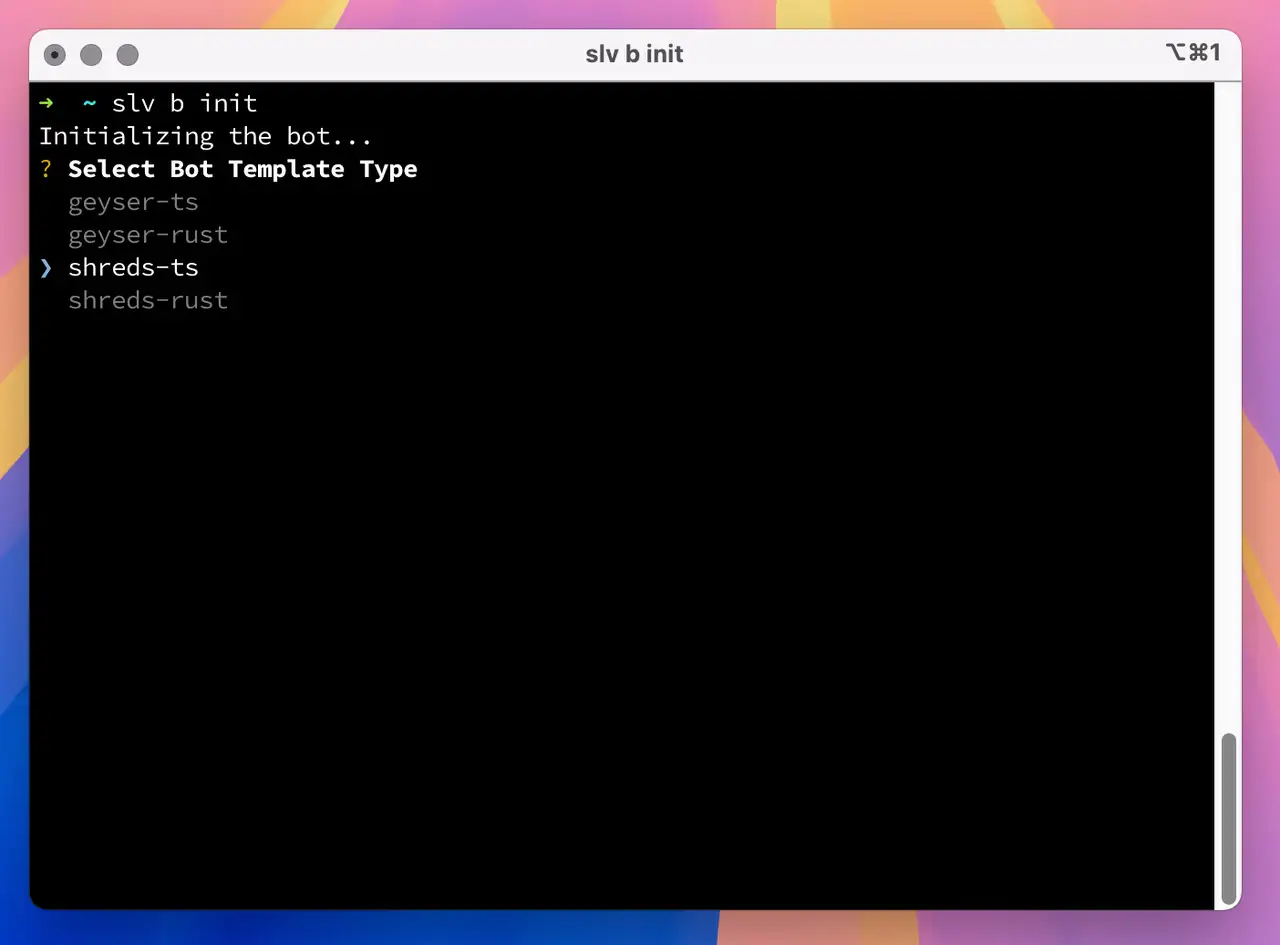
With a single command,
slv b init, you can instantly scaffold a development environment for Solana bots using high-performance stream-based data.bash
slv b initslv b init- Use
shreds-tsif you prefer a TypeScript-based Shreds bot - Use
shreds-rustfor a Rust-based bot leveraging Shreds
Allow ICMP latency-probe sources
For Shreds region selection, ERPC sends ICMP latency probes to your registered IP from the proxy hosts listed below. Allow inbound ICMP echo requests from every listed source IP. If they are blocked by a firewall (ufw, cloud firewall, security group, etc.), the measurement can become
9999ms and a non-optimal region may be selected. Multiple IPs in one region are separate probe hosts; all of them are required.| Region | ICMP source IPs |
|---|---|
| 🇳🇱 Amsterdam | 82.21.43.35 |
| 🇺🇸 New York | 151.243.244.162 |
| 🇩🇪 Frankfurt | 151.241.178.73 |
| 🇯🇵 Tokyo | 143.20.238.88 |
| 🇸🇬 Singapore | 151.245.186.3 |
| 🇬🇧 London | 151.241.65.10 |
Far Point selected
Shared Shreds Far Point is a limited-capacity fallback. Each endpoint supports up to 32 concurrent proxied streams across all customers—not 32 slots per customer. Streaming is most effective when the subscriber runs near the selected Shreds endpoint; long-distance streams retain shared connections, flow-control windows, and egress capacity for longer. To help keep the shared environment responsive, allow every listed regional ICMP probe source and run region selection again. For ongoing use, consider an ERPC VPS near the selected endpoint. UDP Forwarding comes as Standard and Premium, and with either you choose its region in the ERPC Web Dashboard and receive raw Shreds over UDP at the public IPv4 address and port you configure.
Use an ERPC VPS near this endpoint · Compare UDP Forwarding options
Read the Direct Shreds quickstart
Shreds Client Example – TypeScript
- Rename the
.env.samplefile to.env. - Update the values in the
.envfile with your actual endpoint:
ini
SHREDS_ENDPOINT=http://shreds-ams6-1.erpc.global
SOLANA_RPC_ENDPOINT="https://edge.erpc.global?api-key=YOUR_API_KEY"SHREDS_ENDPOINT=http://shreds-ams6-1.erpc.global
SOLANA_RPC_ENDPOINT="https://edge.erpc.global?api-key=YOUR_API_KEY"⚠️ Important Note: This endpoint is provided as an example and cannot be used directly. Obtain and set your actual endpoint accordingly.
- Install dependencies and run the script:
bash
pnpm i
pnpm devpnpm i
pnpm dev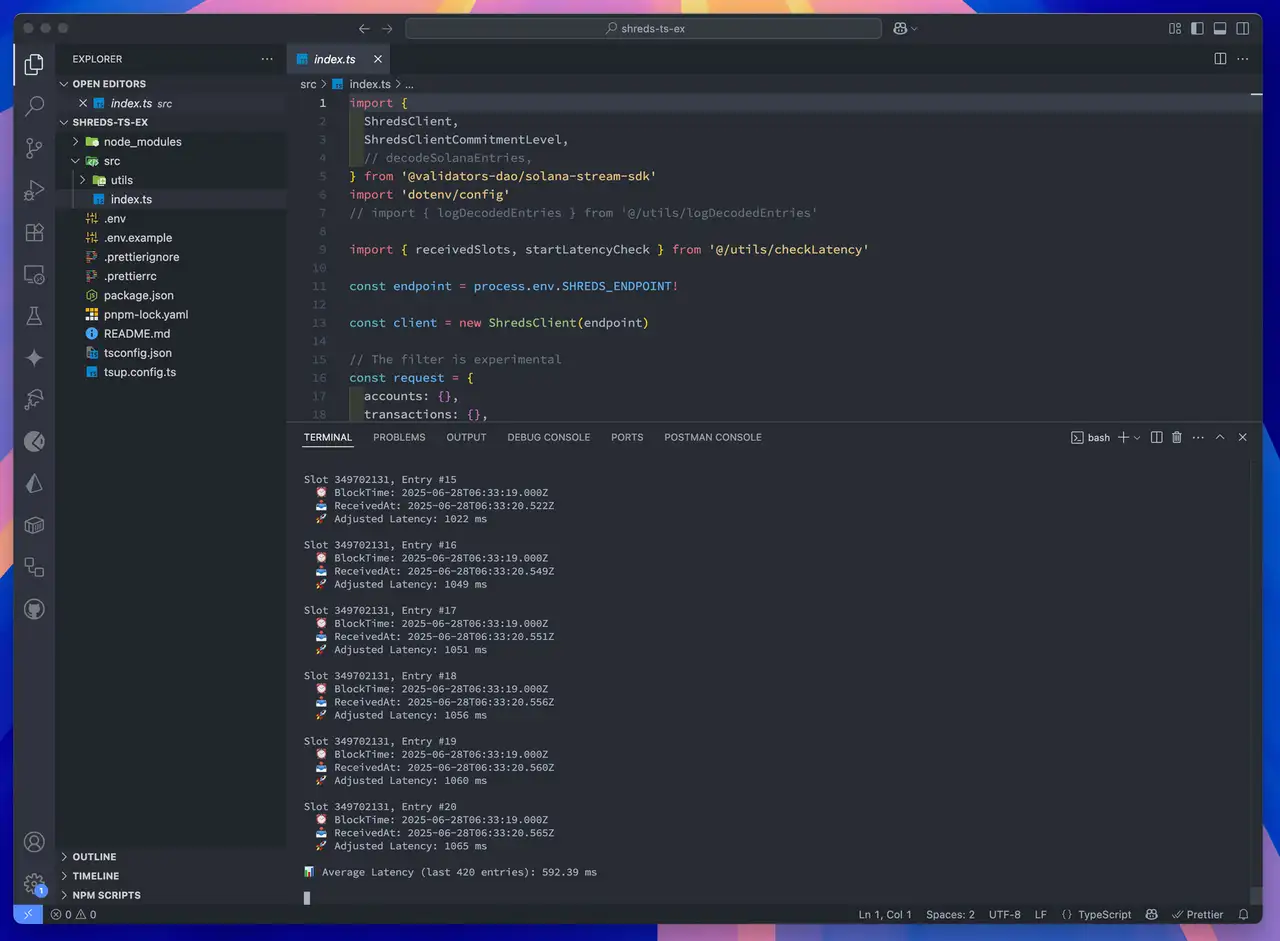
Shreds Client Example – Rust
- Rename
.env.sampleto.env - Edit
.envwith your actual Shreds endpoint:
ini
SHREDS_ENDPOINT=http://shreds-ams6-1.erpc.global
SOLANA_RPC_ENDPOINT="https://edge.erpc.global?api-key=YOUR_API_KEY"SHREDS_ENDPOINT=http://shreds-ams6-1.erpc.global
SOLANA_RPC_ENDPOINT="https://edge.erpc.global?api-key=YOUR_API_KEY"Please note:
This endpoint is a sample and cannot be used as is. Please obtain and configure the appropriate endpoint for your environment.
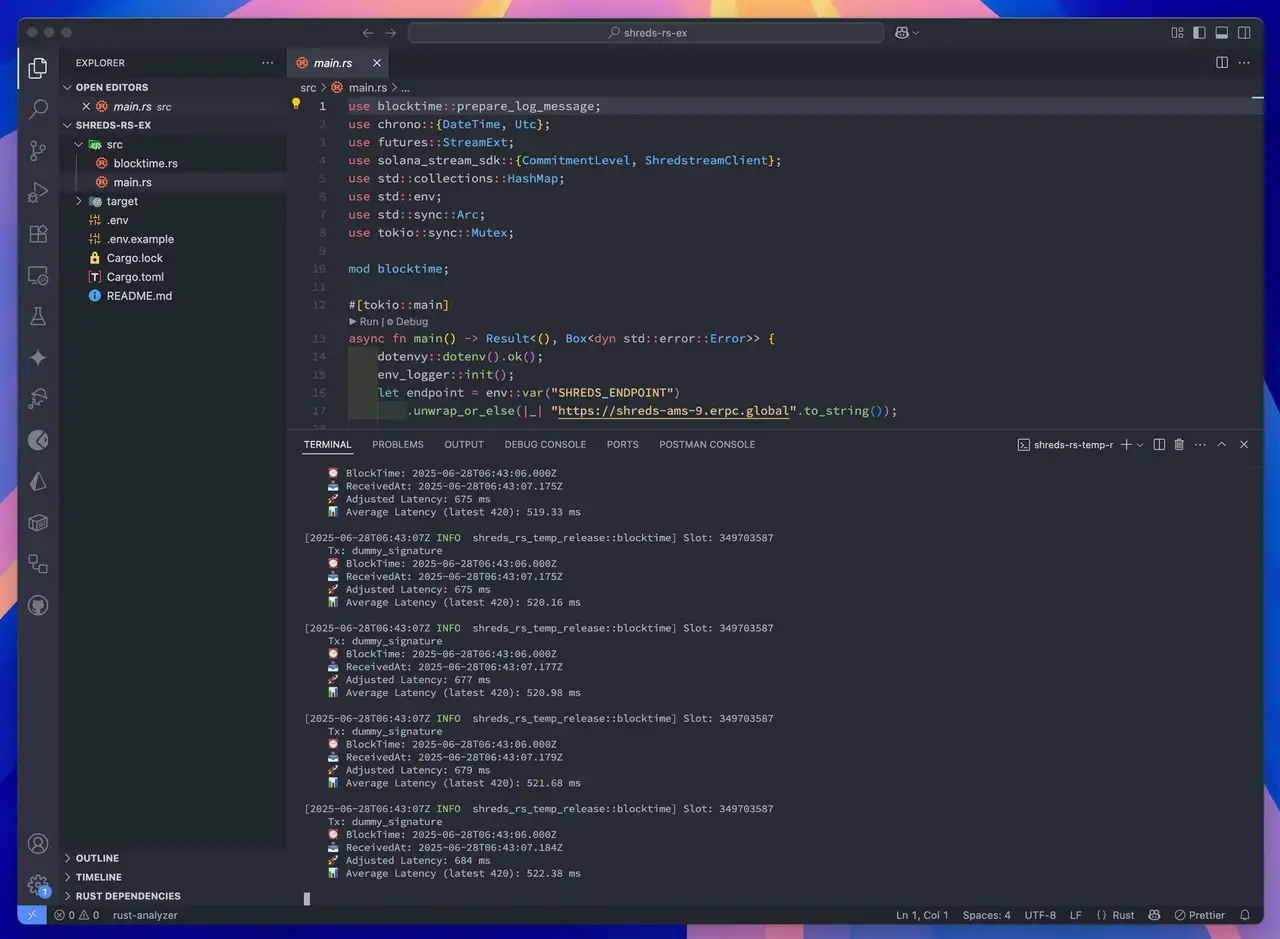
- Build and run the client:
bash
RUST_LOG=info cargo runRUST_LOG=info cargo run