Geyser gRPC - Inicio rápido
Instala SLV
bash
curl -fsSL https://storage.slv.dev/slv/install | shcurl -fsSL https://storage.slv.dev/slv/install | sh$ slv b init
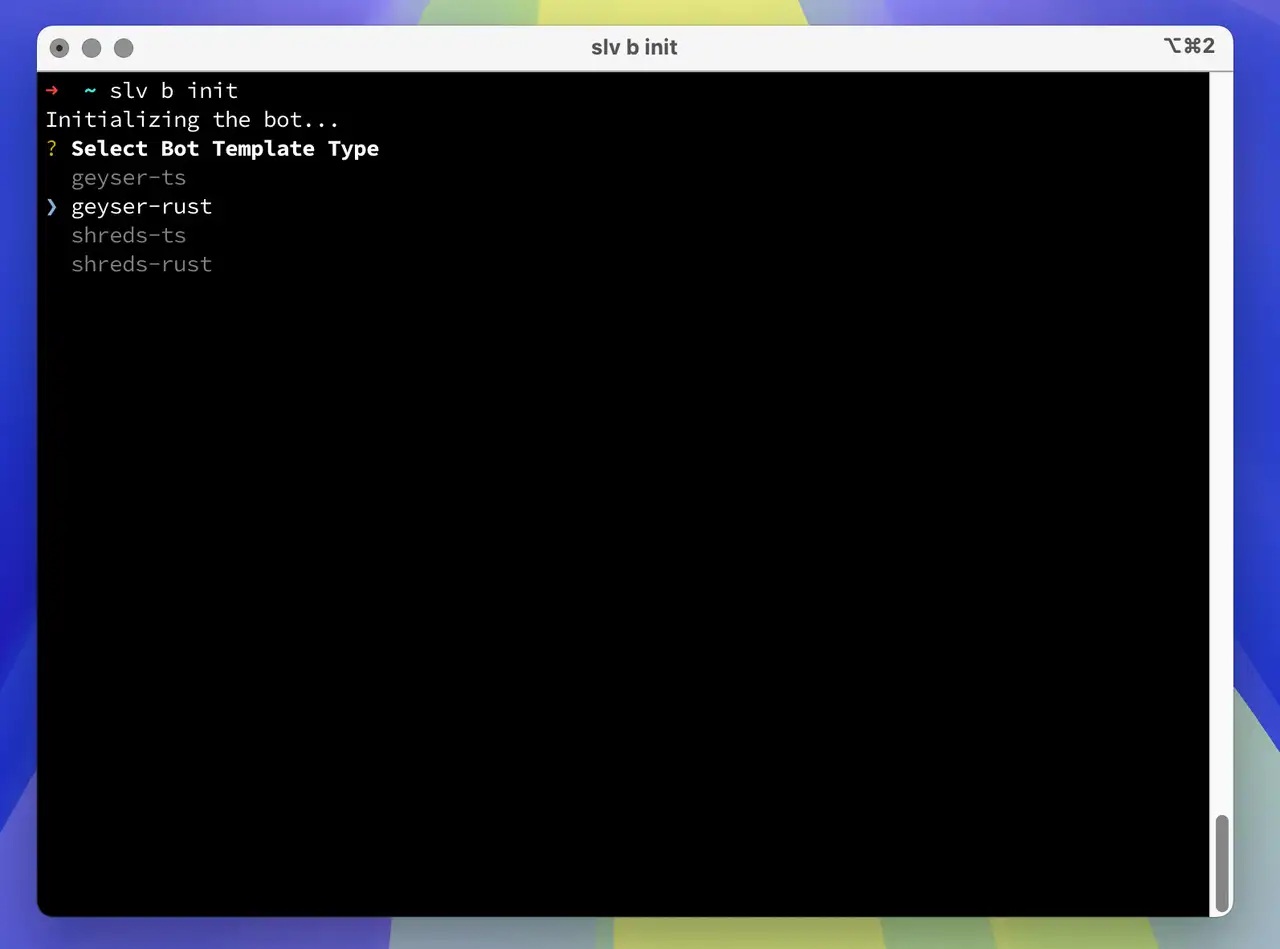
Con un solo comando,
slv b init, puede crear al instante un entorno de desarrollo para bots de Solana que usan flujos de datos de alto rendimiento.bash
slv b initslv b init- Use
geyser-tssi prefiere un bot Geyser en TypeScript - Use
geyser-rustsi prefiere un bot Geyser en Rust
Permitir fuentes de sondeo de latencia ICMP
Para seleccionar la región de gRPC, ERPC envía sondeos de latencia ICMP a su IP registrada desde los hosts proxy que se indican a continuación. Permita solicitudes de eco ICMP entrantes desde todas las IP de origen indicadas. Si un firewall (ufw, firewall en la nube, grupo de seguridad, etc.) las bloquea, la medición puede mostrar
9999ms y podría seleccionarse una región no óptima. Varias IP en una misma región corresponden a hosts de sondeo distintos; todas son necesarias.| Región | IP de origen ICMP |
|---|---|
| 🇳🇱 Amsterdam | 82.21.43.34, 151.244.92.36 |
| 🇺🇸 New York | 151.243.244.5 |
| 🇩🇪 Frankfurt | 151.241.178.20, 151.241.178.34, 151.241.178.21 |
| 🇬🇧 London | 151.241.65.4 |
| 🇯🇵 Tokyo | 143.20.238.66 |
| 🇸🇬 Singapore | 151.245.186.2 |
| 🛰️ Far Point | 143.20.238.73 |
Ejemplo de cliente Geyser – TypeScript
- Cambie el nombre de
.env.samplea.env - Edite
.envcon sus valores reales:
ini
GEYSER_ENDPOINT=http://grpc-ams1.erpc.global
SOLANA_RPC_ENDPOINT="https://edge.erpc.global?api-key=YOUR_API_KEY"GEYSER_ENDPOINT=http://grpc-ams1.erpc.global
SOLANA_RPC_ENDPOINT="https://edge.erpc.global?api-key=YOUR_API_KEY"Nota:
Este endpoint es solo una muestra y no se puede utilizar tal cual. Obtenga y configure el endpoint adecuado para su entorno.
- Instalar dependencias e iniciar el servidor de desarrollo:
bash
pnpm i
pnpm devpnpm i
pnpm dev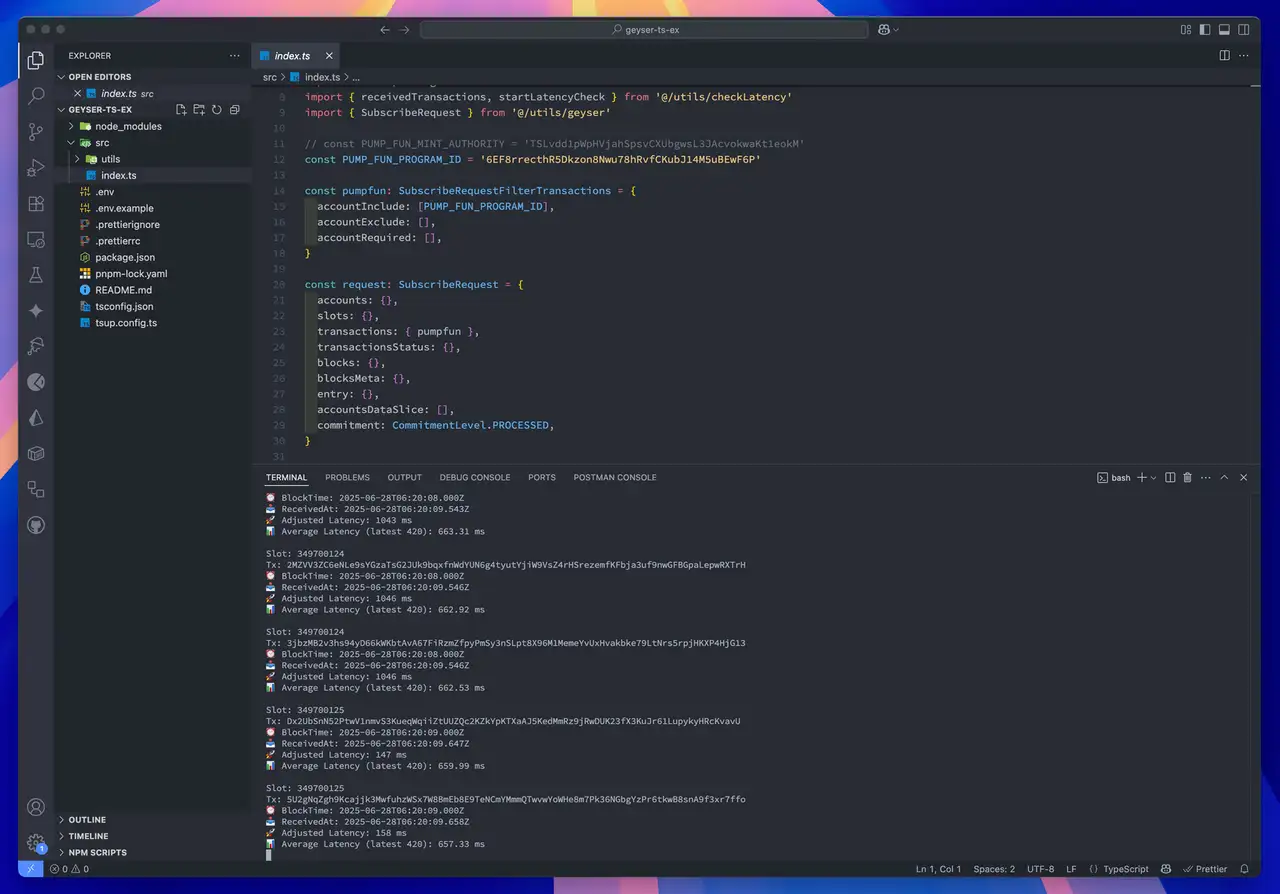
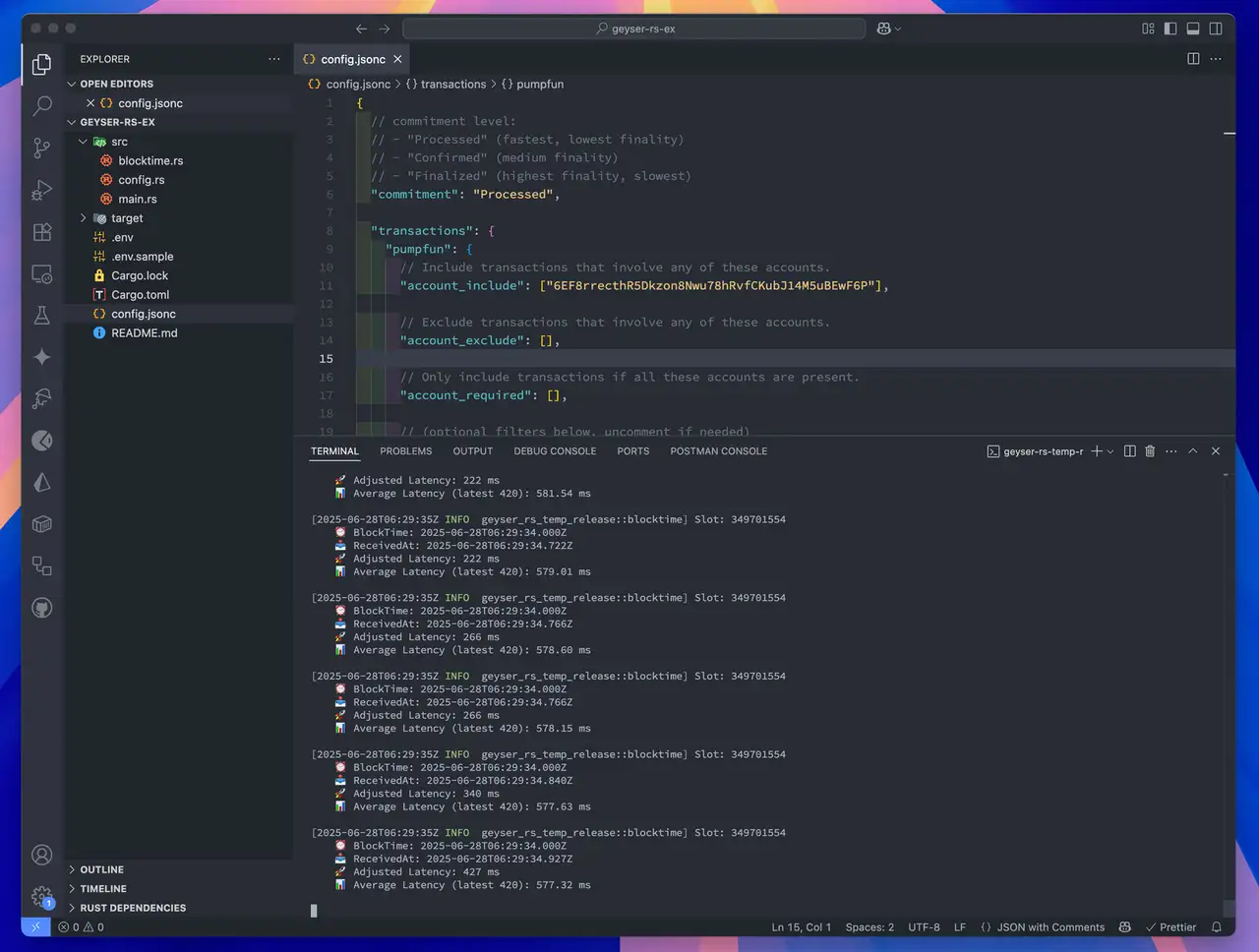
Ejemplo de cliente Geyser – Rust
- Cambie el nombre de
.env.samplea.env - Edite
.envcon sus valores reales:
ini
GEYSER_ENDPOINT=http://grpc-ams1.erpc.global
SOLANA_RPC_ENDPOINT="https://edge.erpc.global?api-key=YOUR_API_KEY"GEYSER_ENDPOINT=http://grpc-ams1.erpc.global
SOLANA_RPC_ENDPOINT="https://edge.erpc.global?api-key=YOUR_API_KEY"Nota:
Este endpoint es solo una muestra y no se puede utilizar tal cual. Obtenga y configure el endpoint adecuado para su entorno.
- Construir y ejecutar el cliente:
bash
RUST_LOG=info cargo runRUST_LOG=info cargo run